
JavaScript fetch with timeout using AbortSignal.timeout
JavaScript Dasun Kalupahana 89 views
async function getJson(url, ms = 5000) {
  const res = await fetch(url, { signal: AbortSignal.timeout(ms) });
  if (!res.ok) throw new Error(`HTTP ${res.status}`);
  return res.json();
}

try {
  const data = await getJson('https://api.example.com/items');
  console.log(data);
} catch (err) {
  console.error(err.name === 'TimeoutError' ? 'Request timed out' : err.message);
}
Cancels a request automatically if the server takes too long. It also checks response.ok, because fetch does not throw on HTTP errors like 404 or 500.
Learn more on the blog

PHP
PHP json_decode() Returns null: Catch Invalid JSON Errors
Here is a bug that looks like a data problem and is...

3 min read
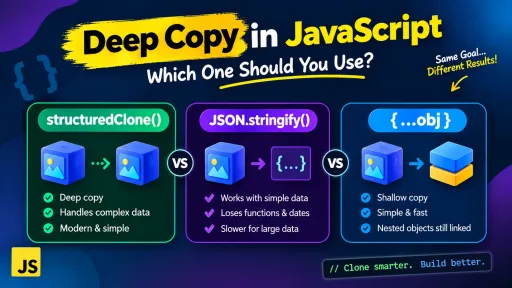
Javascript
structuredClone vs JSON.stringify vs Spread: Deep Copy Guide
Sooner or later every JavaScript developer copies an object, changes the copy,...
3 min read
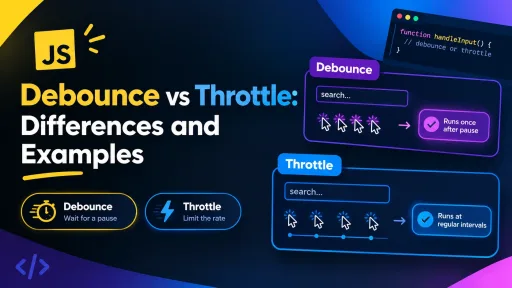
Javascript
JavaScript Debounce vs Throttle: Differences and Examples
A search box that fires a request on every keystroke, a scroll...
4 min read